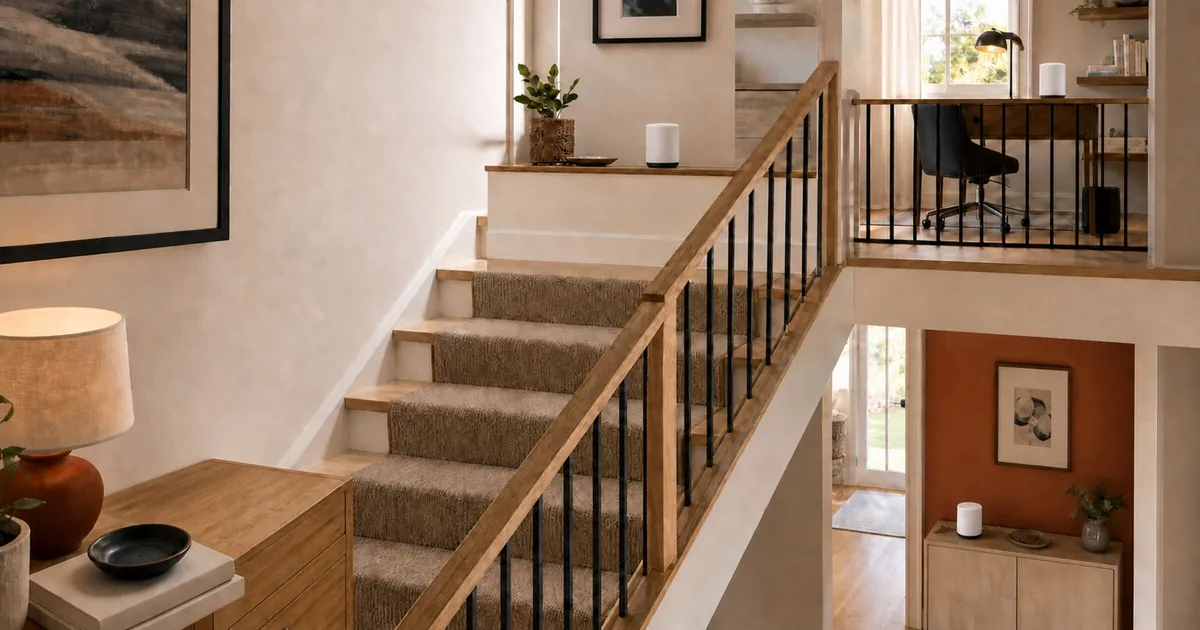
For a multi-story home, node placement and backhaul matter more than the biggest coverage number on the box. Based on the documented pack sizes, wired-backhaul options, administration paths, and support records reviewed here, TP-Link Deco BE63 and eero Pro 7 are practical three-node starting points. ASUS ZenWiFi BT10 fits buyers who want local browser administration. NETGEAR Orbi 770 remains a fit-based alternative after its exact hardware revision is verified.
Before choosing a kit, sketch the actual path from the modem to the rooms that matter. Mark the floor material, stair opening, Ethernet jacks, and any office or television that can use a wired connection. A three-pack is not automatically better than a two-pack: an unnecessary node can add another roaming boundary, while two nodes placed too far apart can leave the upstairs unit repeating a weak signal. The useful question is whether each node has a strong wired or wireless path to the rest of the system.
Multi-gig ports also need context. A 2.5GbE port is valuable for wired backhaul, a fast network-attached storage device, or internet service above 1Gbps. It does not make a distant phone faster by itself. Client radio capability, channel width, interference, and the path between mesh nodes can become the limiting factors long before the Ethernet port does.
Quick picks by household
| System | Best for | Why | Check before buying |
|---|---|---|---|
| TP-Link Deco BE63 three-pack | Three-floor homes that can use 2.5GbE backhaul | Four 2.5Gbps ports per node and broad placement flexibility | Confirm the hardware version; the current US EOL list records a June 28, 2025 EOS Date for BE63 V1.6 |
| eero Pro 7 three-pack | Buyers who prioritize a simple app and a published update date | Ethernet backhaul and security updates promised through at least August 31, 2031 | Setup requires the app, cloud connection, and phone number or Amazon account; some controls are paid |
| ASUS ZenWiFi BT10 two-pack | Technical users who want local web administration | Local Web GUI, multi-gig networking, and optional app path | Two nodes may not suit every three-floor layout; no exact US support-end date was found |
| NETGEAR Orbi 770 RBE773 | Homes that want a three-unit Orbi kit with local browser access | Separate local router-admin path and optional Armor service | Confirm original versus v2 hardware; exact RBE773 end-of-support date is not published |
A flexible three-node starting point: Deco BE63
The Deco BE63 three-pack provides enough nodes to put one near the modem and one on each additional floor. Each node has four 2.5Gbps WAN or LAN ports, so wired backhaul is practical when the home has Ethernet. Wired backhaul removes the need for inter-node traffic to compete entirely over the same difficult floor-to-floor radio path.
The hardware version is the catch. TP-Link’s US support page lists multiple revisions. Its current US EOL list records an EOS Notification Date of December 30, 2024 and an EOS Date of June 28, 2025 for BE63 V1.6 one-, two-, and three-packs. Confirm the label or seller record for the exact pack rather than accepting “BE63” alone.
Check Tp Link Deco BE63 3 Pack on Amazon.
The clearest documented support horizon: eero Pro 7
The Pro 7 support page publishes a security-update date through at least August 31, 2031 and a three-year limited warranty. That is more concrete than a current firmware page with no promised end date. The three-pack also supports Ethernet backhaul.
The tradeoff is administration. eero requires its mobile app, internet or cloud connectivity, and either a local phone number or Amazon account for setup. It does not offer Windows, Linux, or browser configuration. eero Plus places selected security, history, and control features behind a subscription, while basic routing remains available without it.
Check Eero Pro 7 3 Pack on Amazon.
A local-control path: ASUS ZenWiFi BT10
ASUS documents a local Web GUI at the router address or asusrouter.com, with locally created router credentials. The app is optional for core configuration. That makes the BT10 more attractive when you want to manage routing without making a phone app the only control surface.
The two-pack reviewed here should not be assumed to cover the same placement plan as a three-pack. A stairwell, masonry floor, radiant barrier, or distant office can require a third wired access point. ASUS publishes current US firmware, but the support-end dates found for other regions should not be presented as a US commitment.
Check Asus Zenwifi Bt10 2 Pack on Amazon.
When Orbi 770 fits
RBE773 is the three-unit Orbi 770 kit. NETGEAR supports an app and account path and a separate local browser-admin credential. Armor is optional and paid rather than required for basic routing.
The unresolved issue is revision identity. NETGEAR has an RBE773v2 manual, while the retail name does not pin original versus v2 hardware. Confirm the package and device label before applying a manual or firmware. NETGEAR’s general policy normally ends security updates at a product’s end-of-support date, but an exact RBE773 date was not located.
Check Netgear Orbi 770 RBE773 on Amazon.
Wired backhaul changes the buying decision
Ethernet backhaul is especially useful between floors because it avoids asking one radio path to cross the same difficult structure on every hop. If the home already has Ethernet, count the available jacks and confirm that every proposed node has enough ports for both backhaul and nearby wired devices. Deco BE63’s four 2.5Gbps ports per node are unusually flexible in that situation. Eero Pro 7, ASUS BT10, and Orbi 770 should be evaluated against the exact number and speed of ports shown for the pack you are buying, not a family-level marketing page.
Homes without Ethernet need a different plan. Put the second node one floor away from the gateway where the signal is still healthy, then place the third only after checking the remaining weak area. A wireless node placed directly in a dead zone has little useful signal to repeat. Dedicated backhaul bands and wider channels may help in some layouts, but they do not make masonry, metal ductwork, radiant barriers, or neighboring networks disappear.
MoCA over existing coax can sometimes provide a wired path, but adapter compatibility, splitters, and point-of-entry filtering become part of that system. Powerline networking is more dependent on the home’s electrical circuits. Neither should be assumed equivalent to Ethernet without testing in the actual house.
Administration, accounts, and paid features
The control path is a long-term ownership decision. Eero centers setup and routine management on its mobile app and cloud service. ASUS documents a local browser interface and locally created credentials, which is useful when browser access is a requirement. NETGEAR separates local router administration from its app and optional Armor service. TP-Link’s Deco experience is app-led; buyers who require a local browser workflow should verify the exact firmware capabilities before committing.
List the features you consider essential, then label each as local, account-based, subscription-based, or unavailable. Parental history, advanced security, ad blocking, remote access, and device insights are commonly packaged differently from basic routing. A low hardware price can become less attractive if a needed control requires years of subscription fees. Conversely, paying for features you will never enable does not improve the underlying network.
Support evidence deserves the same attention. A visible firmware download proves that updates exist now; it does not establish how long they will continue. Eero’s published date is unusually concrete. For TP-Link, the hardware revision matters because the EOL list can distinguish versions under the same retail family. For ASUS and NETGEAR, check the exact model and regional support page rather than borrowing a date from another product or country.
Build the network before blaming the mesh
- Put the gateway in the open, not inside a cabinet or at one edge of the house.
- Place the next node where it still receives a strong connection, not inside the dead zone.
- Use Ethernet backhaul between floors when available.
- Keep node count and pack size explicit when comparing systems.
- Test with the same client in the same rooms, including latency and roaming, not only an app’s gateway internet test.
- Separate paid security and parental features from basic networking in the ownership cost.
After installation, test one floor at a time. Record a wired gateway result, then test the same Wi-Fi client near each node and in the rooms that previously failed. Check a video call or another latency-sensitive task while walking between floors, because a high stationary speed result can hide sticky roaming. Repeat after major firmware changes or moving furniture, and save the node names and cable layout so a later reset does not become guesswork.
Which system fits which household
Choose Deco BE63 when three physical nodes and abundant 2.5GbE ports align with an Ethernet-ready home, but confirm the exact hardware label and support status before purchase. Choose eero Pro 7 when an app-led experience and a published security-update horizon matter more than local browser administration. Choose ASUS BT10 when local Web GUI access is a firm requirement and a two-node plan fits the building. Consider Orbi 770 when its topology, local admin path, and three-unit packaging fit, but verify original versus v2 hardware before using model-specific instructions.
Skip a premium Wi-Fi 7 mesh if the actual bottleneck is an old modem, a slow internet tier, a single poorly placed gateway, or clients that cannot use the newer radio features. In a wired home, separate access points may provide more placement control. In a small two-level home, one well-positioned router may be enough. The best purchase is the smallest system that provides a strong path to the rooms you use without adding administration you do not want.
Evidence boundary
RTINGS covers Deco BE63, eero Pro 7, and ASUS BT10 under a common router methodology, but not Orbi 770. Other reviewers cover some combinations under different layouts and clients. No source tests all four exact packs with the same node count, floor plan, client, firmware, and wired or wireless backhaul. We therefore do not claim a measured coverage, speed, roaming, or reliability winner.
Sources
- TP-Link BE63 product, support, and current US EOL list: https://www.tp-link.com/us/deco-mesh-wifi/product-family/deco-be63/ , https://www.tp-link.com/us/support/download/deco-be63/ , and https://static.tp-link.com/upload/manual/2026/202604/20260422/US%20EOL_List_Home%20-%20V8.pdf
- eero Pro 7 and security-update policy: https://support.eero.com/hc/en-us/articles/32571402713115-eero-Pro-7 and https://support.eero.com/hc/en-us/articles/4401964665243-eero-Software-Security-Updates
- NETGEAR RBE773 and EOS policy: https://www.netgear.com/home/wifi/mesh/rbe773/ and https://downloads1.netgear.com/files/netgear/pdfs/EOS-Policy-2025.pdf
- ASUS BT10 manual and firmware: https://www.asus.com/us/networking-iot-servers/whole-home-mesh-systems/asus-zenwifi/asus-zenwifi-bt10/helpdesk_manual and https://www.asus.com/us/supportonly/zenwifi%20bt10/helpdesk_bios/
- RTINGS exact router reviews: https://www.rtings.com/router/reviews/tp-link/deco-be63 , https://www.rtings.com/router/reviews/eero/pro-7 , and https://www.rtings.com/router/reviews/asus/zenwifi-bt10
For a separate television-stand and connection-layout decision, see our standalone soundbar guide.