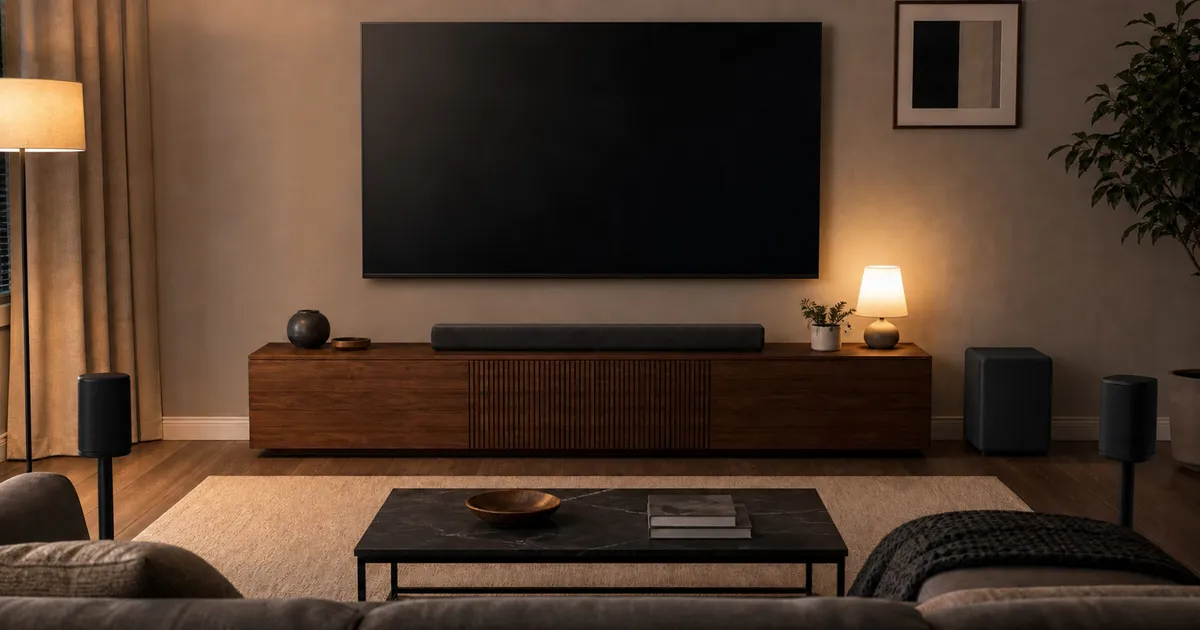
Based on the exact-model RTINGS v1.3 evidence and manufacturer connection records reviewed here, Samsung HW-Q990F/ZA is our complete-system pick for dialogue, but it includes a subwoofer and rear speakers. Sonos Arc Ultra is a standalone option for a simple eARC TV path. Sony Theater Bar 9 suits sources that need an HDMI input, while Bose Smart Ultra offers a straightforward standalone bar with AI Dialogue.
Clear dialogue is a system result, not a single feature name. A discrete center channel gives the mix a dedicated path for voices, but the source format, television passthrough, room reflections, listening position, and selected sound mode still matter. Dialogue enhancement can raise or reshape speech, yet too much processing may make effects or music sound thin. The practical goal is an adjustable setup that keeps voices understandable at the volume you actually use.
Start by writing down every source and where it connects. A streaming app running on the TV has a different path from a game console connected through the soundbar. If the television cannot pass a source format over ARC or eARC, the bar’s decoder list will not fix that upstream limit. Buyers with several external sources should therefore treat HDMI inputs and passthrough modes as core compatibility features rather than bonus specifications.
Quick picks with configuration labels
| Product | Tested configuration | Dialogue case | Main caveat |
|---|---|---|---|
| Samsung HW-Q990F/ZA | Included bar, subwoofer, and two rear speakers | RTINGS reports excellent dialogue reproduction, a discrete center, and room correction | Not topology-comparable to standalone bars; SmartThings extras use an account and app |
| Sonos Arc Ultra | Standalone bar | Balanced dialogue, discrete center, and multiple Speech Enhancement levels in RTINGS’ exact test | No HDMI input; initial Sonos app and account setup required |
| Sony BRAVIA Theater Bar 9 HT-A9000 | Standalone bar | Clear dialogue through a dedicated center and Voice Zoom 3 in RTINGS’ test | Optional sub and rears cost extra; app and account setup; HDMI latency caveat |
| Bose Smart Ultra Soundbar | Standalone bar | Discrete center, generally intelligible dialogue, and persistent AI Dialogue mode | No HDMI input or video passthrough; complete decoder matrix remains unresolved |
Our complete-system pick: Samsung HW-Q990F/ZA
Samsung’s US /ZA package includes the soundbar, subwoofer, and two rear speakers. The official page documents Voice Enhance, Night Mode, SpaceFit, AVA Pro, two HDMI inputs, eARC, optical, and 4K/120/HDR10+ passthrough. RTINGS tested the exact HW-Q990F hardware under Soundbar Methodology v1.3 and reported excellent dialogue reproduction through a discrete center.
Samsung’s result and price cover a soundbar, subwoofer, and two rear speakers, while the Sonos, Bose, and Sony rows cover standalone bars. Comparing them without that package difference would be misleading. SmartThings network features use the app and Samsung account; base TV audio has a different dependency path that should be confirmed against the exact US manual.
Check Samsung Hw Q990F on Amazon.
A standalone eARC bar: Sonos Arc Ultra
Arc Ultra connects to the TV over HDMI eARC or ARC and has no HDMI input. Sonos documents Speech Enhancement, Night Sound, and broad Dolby paths, with TrueHD Atmos and multichannel PCM dependent on eARC and source support. RTINGS’ exact standalone test reports balanced dialogue, a discrete center, and strong localization.
Initial setup requires the Sonos app and account. An optical adapter is separate and has optical-format limits. Optional Sub and Era speakers can expand the system, but they should be priced and named separately rather than implied by the base bar.
Check Sonos Arc Ultra on Amazon.
A standalone bar with an HDMI input: Sony Theater Bar 9
Sony’s HT-A9000 provides one HDMI input plus eARC output, with documented Dolby TrueHD and Atmos, DTS-HD Master Audio, DTS:X, and LPCM support on compatible paths. RTINGS reports clear dialogue through the dedicated center and Voice Zoom 3. RTINGS also observed 4K/120 passthrough in its exact-model test; the official specification page cited below lists other video modes but not that one.
BRAVIA Connect is used for setup and includes a Sony account and network path. A compatible subwoofer and rear set are optional, not included. RTINGS also notes relatively high HDMI latency, so console users should verify their exact source and TV route.
Check Sony Bravia Theatre Bar 9 HT A9000 on Amazon.
Bose Smart Ultra: dialogue controls in a simple bar
Bose documents AI Dialogue, Dolby Atmos, ADAPTiQ room setup, HDMI eARC, optical, and a physical microphone switch. RTINGS’ exact standalone review reports a discrete center and generally intelligible dialogue, while noting a bright treble balance.
The bar has no HDMI input or video passthrough. The Bose app is used for setup and controls, and a complete official decoder matrix for every Dolby, DTS, and PCM variant was not found. Optional Bass Module and surround speakers are separate components.
Check Bose Smart Ultra Soundbar on Amazon.
Center channels, enhancement modes, and room correction
A center channel is the most direct structural signal for dialogue-focused shopping because film and television mixes commonly place speech there. All four options reviewed here have center-channel evidence in the cited exact-model testing, but that does not make their packages equivalent. Samsung’s tested system includes rear speakers and a subwoofer; the other three are standalone bars unless you add optional components.
Enhancement controls solve a different problem. Samsung Voice Enhance and AVA Pro, Sonos Speech Enhancement, Sony Voice Zoom 3, and Bose AI Dialogue provide ways to emphasize speech without replacing the center channel. Compare whether the control has multiple levels, whether it remains active after power cycling, and whether it is available from the remote, television interface, or only an app. A listener who changes the setting often may value direct access more than another codec logo.
Room correction can help a system adapt its tonal balance to placement, but it is not permission to block drivers or put the bar inside furniture. Keep the front and upward-firing surfaces clear according to the manual. If the television stand forces the bar in front of the screen or remote sensor, measure before buying. A bar that fits the room and leaves controls reachable is more useful than a larger model operating from a compromised position.
Build a source-to-speaker compatibility map
For each device, record the video mode and audio format you expect to use. Then trace whether it connects to the television or directly to a soundbar input. Sonos Arc Ultra and Bose Smart Ultra have no HDMI input, so all HDMI sources depend on the television’s switching and passthrough. Sony Theater Bar 9 has one HDMI input. Samsung HW-Q990F/ZA has two, making it the most flexible of this group when the TV has limited ports.
ARC and eARC are not interchangeable. Lossless Dolby TrueHD, multichannel PCM, and some high-bandwidth Atmos paths generally depend on eARC and compatible source handling. Ordinary streaming services often use lower-bandwidth Dolby formats, so an ARC television may still cover a household’s real use. Read the TV manual as carefully as the soundbar manual, and do not assume a port labeled HDMI supports every format listed on the bar.
Console and PC owners also need the video path. Refresh rate, HDR format, variable refresh rate, and latency can determine whether a source should pass through the bar or connect directly to the TV. Samsung documents 4K/120 and HDR10+ passthrough for the cited package. RTINGS observed 4K/120 on the Sony test unit while also noting HDMI latency. Verify the current firmware and exact route rather than generalizing that result to every television and console combination.
Match the bar to your TV and sources
- If every source connects to the TV, Sonos or Bose can work through eARC without an extra HDMI input.
- If a source must pass through the bar, Samsung and Sony provide HDMI inputs; verify the exact video mode.
- Check whether the TV can pass the source’s audio format over ARC or eARC.
- Label standalone bars and full systems separately when comparing size or cost.
- Use dialogue enhancement as an adjustable control, not proof that every listener will understand every mix.
- A bar cannot repair a heavily compressed stream, a poor source mix, room echoes, or a TV with incompatible passthrough settings.
A careful setup sequence
Connect the bar to the television’s labeled eARC or ARC port with a suitable cable, then enable the relevant HDMI control and audio-output settings on the TV. Confirm that ordinary stereo television audio works before adding external sources, surround components, room correction, or enhancement modes. This isolates basic connection problems from format and app issues.
Next, play a source with a known format and check the bar’s status display or app when available. Compare the standard sound mode with one dialogue setting at a time, using the same scene and volume. If speech is weak only on one app or input, inspect that source’s audio selection before changing the whole system. If voices are weak everywhere, check bar placement, center level where adjustable, and room correction.
Keep a fallback path documented for other household members. That can mean a labeled remote button, a short note explaining which TV input to use, or a saved enhancement level. A technically capable system becomes a poor household fit if normal viewing requires repeated app troubleshooting.
Ownership cost beyond the bar
Price the tested configuration, not just the product family. Samsung includes a subwoofer and rear speakers. Sonos, Sony, and Bose sell compatible expansion components separately, so a later move to surround sound changes both cost and outlet needs. Include wall mounts, stands, cable routing, and the possibility that optional speakers require an account or app for pairing.
Also separate core playback from connected extras. Sonos requires its app and account for initial setup. Sony uses BRAVIA Connect. Samsung SmartThings and the Bose app support network features and configuration. Before choosing, check what continues to work during an internet outage, whether a physical remote is included, and how a factory reset is recovered. Those details affect a soundbar long after the first dialogue demonstration.
Method and evidence boundary
RTINGS Soundbar Methodology v1.3 covers all four exact hardware options and supports attributed comparison of center and dialogue reproduction. It is not a formal speech-intelligibility study: it does not publish listener transcription accuracy across hearing profiles and room types. This article makes no hearing-loss treatment or universal intelligibility claim. Channel labels also remain attributed because manufacturer topology and RTINGS tested-configuration labels differ.
Sources
- Samsung HW-Q990F/ZA: https://www.samsung.com/us/audio-devices/soundbar/q-series-11-1-4-ch-soundbar-rear-speakers-sku-hw-q990f-za/ and https://www.rtings.com/soundbar/reviews/samsung/hw-q990f
- Sonos Arc Ultra, format matrix, and RTINGS review: https://www.sonos.com/en-us/shop/arc-ultra , https://support.sonos.com/en-us/article/supported-home-theater-audio-formats , and https://www.rtings.com/soundbar/reviews/sonos/arc-ultra
- Sony HT-A9000 specifications and RTINGS review: https://www.sony.com/electronics/support/sound-bars-home-theater-systems-sound-bars-surround-speakers/ht-a9000/specifications and https://www.rtings.com/soundbar/reviews/sony/bravia-theater-bar-9
- Bose Smart Ultra and RTINGS review: https://www.bose.com/p/home-theater/bose-smart-ultra-soundbar/SUSB-SOUNDBAR.html and https://www.rtings.com/soundbar/reviews/bose/smart-ultra-soundbar
For a one-piece base-package comparison that excludes separate subwoofers and rear speakers, see our standalone soundbar guide.