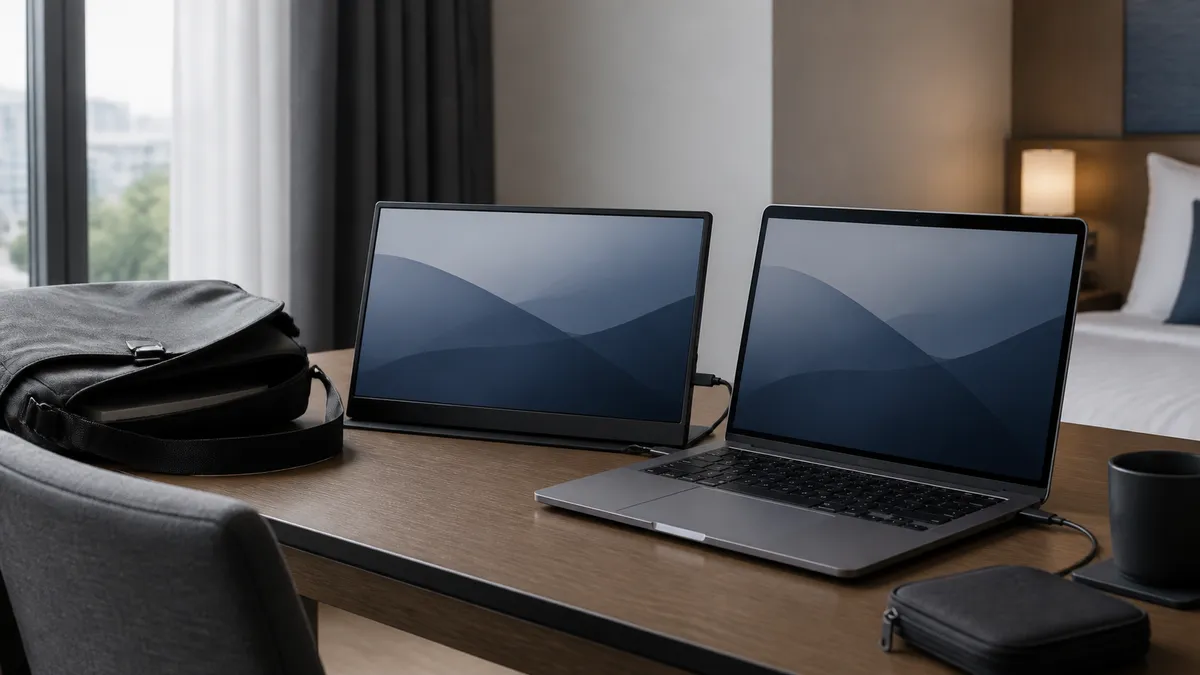
When a laptop desk has to fit back into a bag before checkout, a portable monitor purchase starts with physical fit. Start with the bag compartment, the monitor’s carried weight, the screen shape you need, and the laptop’s documented display output. Then compare the extras.
The two current options in this guide lead with different physical tradeoffs. MSI’s PRO MP161 E2 is a 15.6-inch, 1920 × 1080 display listed at 0.75 kg (1.65 lb). Arzopa’s Z1RC is a 16-inch, 2560 × 1600, 16:10 display; its product page lists 1.7 lb and 0.3-inch thickness. Use those numbers beside the bag and the laptop already on your desk.
Take two measurements before you compare panels
Measure the inside of the bag sleeve. Outside measurements miss the space taken by lining, a zipper curve, and the cable pocket. MSI lists the PRO MP161 E2 at 362.26 × 233.84 × 18.8 mm (14.26 × 9.17 × 0.7 inches), while the Z1RC page identifies a 16-inch panel and its 1.7-pound, 0.3-inch travel form. A sleeve with almost no spare room deserves attention before resolution or color claims.
Carry weight matters with the charger and cable as well. MSI lists a protective case and L-shaped USB-C and Mini-HDMI cables in the box; Arzopa lists USB-C-to-USB-C, Mini-HDMI-to-HDMI, and USB-C-to-USB-A cables. Check the listing for the selected model and contents before packing around those accessories.
Trace the video path before choosing USB-C
USB-C describes the plug, while the laptop’s feature sheet describes whether that port carries video. For the MSI, the manufacturer lists two Type-C ports with DisplayPort Alt Mode and 15 W Power Delivery or power input, plus Mini HDMI 2.0b. Arzopa lists a full-function USB-C input for video data and power, plus Mini HDMI for video. Each monitor therefore offers more than one physical input; confirm the laptop’s port capability separately.
Look up the laptop’s port specification before buying. A laptop that lists DisplayPort Alt Mode or another display output over USB-C can use a USB-C video path with the cable and power arrangement named in the documentation. A laptop whose display output is HDMI calls for a monitor-and-cable path documented around HDMI. Start with the computer’s port table, then map the cable to the monitor input.
For a laptop that already uses a dock, test the intended monitor path directly first. A dock, adapter, or second display can change the available video mode and power arrangement. Our USB-C cable label guide explains why connector shape, charging wattage, data rate, and video support are separate questions.
Choose the screen shape for the work you travel with
The MSI’s 15.6-inch 16:9 panel is listed at 1920 × 1080 and 60 Hz. The Arzopa’s 16-inch IPS panel is listed at 2560 × 1600, 60 Hz, and 16:10. Choose the taller 16:10 workspace for documents and side-by-side windows, or a 16:9 layout closer to many laptop displays and video frames.
That screen-shape choice also affects the object in the bag. Treat the MSI’s published 14.26-inch width as a hard measurement, and find the chosen Z1RC listing’s dimensions rather than assuming every 16-inch portable monitor shares a chassis. A sleeve built around a smaller laptop may leave too little room for either panel.
Screen resolution also changes the settings you may choose after setup. A 2560 × 1600 panel can show more pixels than a 1920 × 1080 panel, while operating-system scaling changes the size of menus and text on either screen. Set up the monitor at home before a trip, select the display arrangement you expect to use, and keep a note of the resolution and scaling that feels workable beside the laptop. That preparation keeps the first hotel-desk setup focused on cables and space rather than display settings.
Check how the monitor stands before you imagine the desk
At a hotel desk, a train table, or a borrowed office surface, the stand decides where the monitor can actually sit. MSI lists a 0° to 180° adjustable stand and a 1/4-inch tripod socket. Arzopa describes a built-in stand that supports portrait and landscape viewing. Put the stand footprint beside the laptop, charger, and cable before you commit to either format.
Set out the laptop, monitor, charger, and cable in the footprint you expect to use. If the cable exits toward the wall, the stand needs more depth than the table allows, or the monitor will block a power outlet, that is a fit problem worth solving before the purchase. A short cable, a separate charger, or a small travel stand can change the layout, so confirm the exact included items and connection instructions for the selected listing.
Current listings to investigate
MSI PRO MP161 E2 for a lighter 15.6-inch 1080p setup
The MSI PRO MP161 E2 is an option to investigate when a 15.6-inch 16:9 panel, a listed 0.75 kg carry weight, and a 14.26-inch published width fit the bag plan. Its documented inputs include two USB-C DP Alt Mode ports and Mini HDMI, and MSI lists a protective case plus L-shaped display cables. Before ordering, match the bag compartment and the laptop’s display output to those details.
Check the MSI PRO MP161 E2 on Amazon.
ARZOPA Z1RC for a taller 16-inch 2560 × 1600 workspace
The ARZOPA Z1RC is the option to investigate when the bag has room for a 16-inch panel and a 16:10, 2560 × 1600 workspace is the shape you want. Arzopa lists full-function USB-C and Mini HDMI inputs, a built-in stand, and portrait or landscape use. Confirm that the laptop port supports the chosen connection and that the selected listing includes the cables you need.
Check the ARZOPA Z1RC on Amazon.
A five-minute checkout check
Before buying either model, write down these five answers:
- What are the inside dimensions of the compartment that will carry the monitor?
- What does the laptop maker say its USB-C port supports, and does the laptop also have HDMI?
- Which cable is needed from that laptop to the monitor input?
- Does the stand have enough table depth beside the laptop and charger?
- Does the selected listing name the model, included cables, seller, return terms, and current price you expect?
An unanswered question deserves a product-page reread or a seller question. Filling a gap from a similar-looking monitor or another laptop model can lead to a return around a monitor that misses the bag or connection plan.
Pack the connection kit with the monitor
The display is only one part of the travel setup. Put the monitor cable beside the laptop charger while the bag is open and identify which end goes to the laptop and which end goes to the monitor. MSI lists L-shaped Type-C-to-Type-C and Mini-HDMI-to-HDMI cables; Arzopa lists Type-C-to-Type-C, Mini-HDMI-to-HDMI, and Type-C-to-USB-A cables. The names help you make a packing list, but the laptop’s documented output still determines which of those paths applies.
Consider power at the same time. The MSI specification identifies external USB power through Type-C, and the Arzopa product page describes full-function Type-C for video data and power supply. A laptop, monitor, and outlet layout can need more than one cable or charger. Sketch the route from wall outlet to charger to laptop and monitor, including the cable length. That small check can reveal whether the monitor needs a separate power source at the desk.
Keep the cables in a pouch that opens with the monitor. A Mini-HDMI cable, USB-C cable, and wall adapter are easy to separate from the slim display during travel. Labeling the pouch or taking a photo of the working arrangement makes the next setup quicker, especially when the desk changes from one stop to another.
Frequently asked questions
Will one USB-C cable power and connect a portable monitor?
A supported one-cable setup needs a laptop USB-C port that documents video output plus a monitor, cable, and power arrangement that document the same path. Check the laptop port specification and the monitor’s connection instructions together.
Is a 16-inch portable monitor too big for travel?
Measure the bag compartment and compare it with the monitor’s published dimensions, case, cable pocket, and the other items you carry. A 16-inch panel may fit one sleeve comfortably and be impractical in another.
Should I buy by resolution alone?
Resolution is one part of the choice. Confirm the physical size, carry weight, stand format, laptop connection path, and current listing details first. A panel earns its place in the kit when it fits the bag and connects as planned.
Evidence boundary
This documentation-led fit guide does not test either monitor with every laptop, bag, cable, dock, or travel desk. Maker specifications and the fresh current-listing availability record support the named options; confirm the selected listing and your laptop’s port documentation before buying.